How to Make AI Videos for Social Media Marketing
Learn how to make AI videos for social media marketing with simple AI tools, creative strategies, and practical tips for better engagement.
A few months ago, one of our clients — a small clothing brand owner in Dhaka — told us something that stuck with us: “Everyone online tells me to post video content, but I don’t have a camera crew, an editor, or the time to learn Premiere Pro.” That’s the exact problem AI video is solving right now for small businesses everywhere.
If you’ve been putting off video marketing because it felt too expensive, too technical, or just too time-consuming, this guide is for you. We’re going to walk through exactly what AI video is, which tools are actually worth your time in 2026, and how to make your first one — even if you’ve never edited a video in your life.
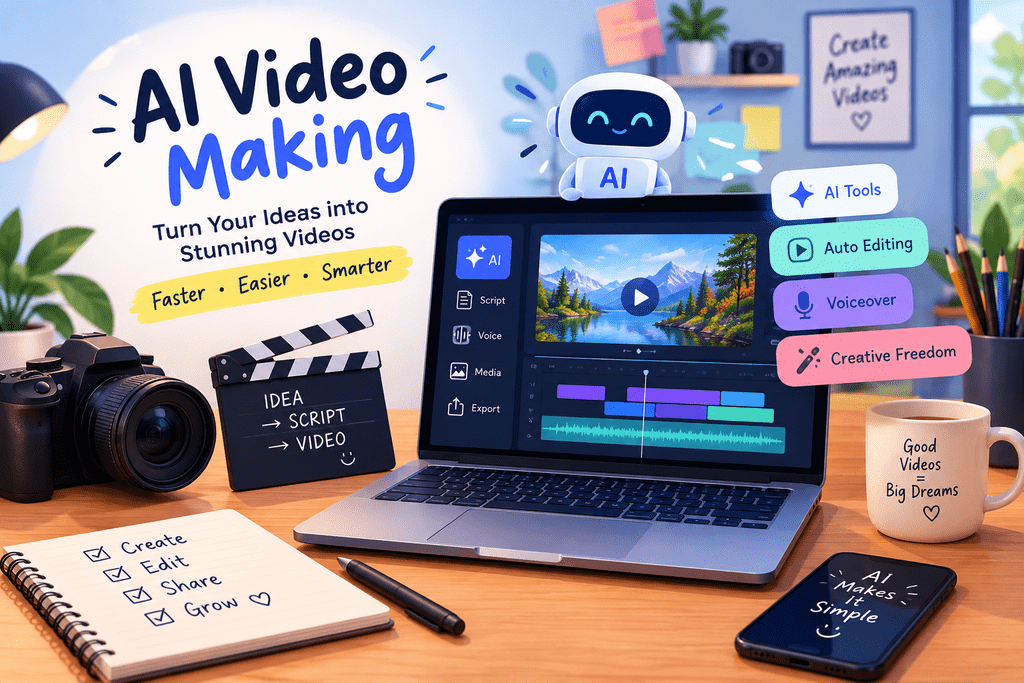
Why AI Video Is Changing Social Media Marketing
Social media algorithms have made their preference obvious over the last few years: video wins. Reels, Shorts, and TikTok consistently get more reach than static images, and platforms keep pushing creators and businesses to post more of it. The problem is that video used to require real skills — filming, lighting, editing, voiceover — or a real budget to hire someone who had those skills.
That’s exactly the gap AI video fills. Instead of hiring a videographer or spending a weekend learning editing software, you can now type out a script or a rough idea, and an AI tool generates a video for you — sometimes with a virtual presenter, sometimes with stock-style footage, sometimes fully animated.
We’re not going to pretend this is magic. AI video tools still have limits, and we’ll get into where they fall short later in this post. But for a small business trying to keep up with a consistent posting schedule, they’ve become a genuinely useful shortcut rather than a gimmick.
What Is AI Video
Put simply, AI video is any video created — fully or partially — using artificial intelligence instead of traditional filming and editing. You give the tool an input, usually text, and it outputs a finished or near-finished video.
Some tools generate a talking avatar that reads your script out loud. Others turn your written content into a slideshow-style video with matching visuals, music, and captions. Some can even animate a photo or turn a product description into a short promotional clip. The common thread is that none of it requires you to pick up a camera.
For a small business owner, this matters less as a technical concept and more as a practical one: it means you can go from an idea to a published video in under an hour, without hiring anyone.
Best AI Video Tools for Small Businesses in 2026
There’s no shortage of AI video tools available right now, and honestly, the market changes fast enough that any “best of” list needs a grain of salt. That said, they generally fall into a few categories worth understanding.
Text-to-Video Tools
These tools take a written script or prompt and generate a full video — visuals, transitions, and sometimes voiceover included. They’re the fastest way to go from “I have an idea” to “I have a video.” They work especially well for product showcases, quick explainer content, and ad creatives where you don’t need a human face on screen.
Avatar and Faceless Video Tools
If you or your team don’t want to appear on camera, avatar-based tools let you create talking-head style videos using a digital presenter instead. You type a script, choose a voice and avatar style, and the tool does the rest. These are popular for tutorial-style content, FAQs, and customer education videos — content that benefits from a “face” without requiring anyone to actually film themselves.
AI Editing and Repurposing Tools
Not every AI video tool creates something from scratch. Some are built to take existing footage — like a long webinar, an interview, or a livestream — and automatically cut it into short, social-ready clips, complete with captions. If you already have raw video sitting unused, this category can turn hours of old footage into weeks of fresh content.
Free vs Paid: What’s Actually Worth Paying For
Most tools offer a free tier, and honestly, that’s a reasonable place to start if you’re just testing whether AI video fits your workflow. Free versions usually come with watermarks, shorter video lengths, and limited monthly credits. Once you’re posting consistently and video is becoming a real part of your marketing, it’s usually worth upgrading — the paid tiers remove watermarks, unlock longer videos, and often give you better voice and avatar options, which noticeably improves how polished your final content looks.
Our honest advice: don’t pay for anything until you’ve made at least three or four videos on a free plan and confirmed the output quality actually matches what your brand needs.
Step-by-Step: How to Create Your First AI Video
Here’s the process we walk our own clients through when they’re making their first AI video.
Step 1 — Write your script or prompt. This is the part people underestimate. A vague prompt gives you a vague, generic-looking video. Be specific about the message, the tone, and what you want the viewer to do by the end.
Step 2 — Choose your style. Decide whether you want an avatar presenter, a text-and-visual slideshow, or something built from stock-style clips. Match the style to the platform — a polished avatar video might suit LinkedIn or YouTube, while a fast-paced visual montage often performs better on Instagram Reels or TikTok.
Step 3 — Generate and review the draft. Most tools give you a first draft in a few minutes. Watch it all the way through before doing anything else — this is where you’ll catch awkward pacing, mispronounced words, or visuals that don’t quite match your message.
Step 4 — Edit for brand voice and pacing. Almost every AI-generated draft benefits from small tweaks — trimming a slow section, swapping a visual that feels off-brand, or adjusting the tone of the voiceover. This step is what separates a video that looks obviously AI-made from one that looks intentional.
Step 5 — Add captions, music, and export for each platform. Most viewers watch social videos with the sound off, so captions aren’t optional anymore. Export separate versions sized correctly for each platform rather than reusing one format everywhere — a square or vertical video will always outperform a poorly-cropped horizontal one on mobile feeds.
AI Video Ideas That Actually Work for Small Businesses
Not every video idea suits AI generation equally well. From what we’ve seen work across client accounts, these formats tend to perform best:
Product demo videos — showing how a product works or looks in use, especially useful for e-commerce and Shopify stores.
Behind-the-scenes or faceless brand story videos — great for businesses that want a personal touch without anyone stepping on camera.
Customer testimonial recreations — turning written reviews into short, visual testimonial-style clips.
Educational or how-to short clips — quick tips related to your industry that build trust and authority.
Ad creatives for Facebook and Google Ads — fast, attention-grabbing video ads that can be produced and tested in volume without a full production budget.
Common Mistakes to Avoid With AI Video Marketing
We’ve seen a few recurring mistakes that quietly hurt performance, even when the tool itself works fine.
The biggest one is letting the video look and sound too generic — the same stock-style visuals and robotic voiceover that a thousand other businesses are also using. A little manual editing goes a long way toward making it feel like your brand instead of a template.
Another common mistake is ignoring platform formatting. A video built for YouTube rarely performs well when dropped straight into Instagram Reels without resizing. Each platform rewards content built specifically for how people scroll through it.
Skipping captions is another one worth calling out separately, simply because so many people watch on mute by default — a video without captions is often a video nobody actually watches past the first few seconds.
And finally, posting a video without a clear call-to-action wastes the attention you worked to earn. Every video should end with a specific next step, whether that’s visiting a link, sending a message, or checking out a product.
AI Video + Automation — Scaling Content Without Burning Ou
Once AI video becomes part of your regular content routine, the next challenge is keeping up with it consistently — and that’s where automation comes in. We build workflows for clients using tools like n8n that connect the entire content pipeline: a blog post gets published, a script is generated from it automatically, a video is created, and it gets scheduled to post across social platforms — all without manual handoffs at every step.
This isn’t necessary for everyone starting out, but for businesses posting several times a week, it’s the difference between video marketing being a sustainable habit versus a task that quietly gets abandoned after the first month.
Is AI Video Worth It for Your Business?
Honestly, it depends on what you’re trying to achieve. If you need high-volume, consistent social content — product features, quick tips, ad variations — AI video is hard to beat on speed and cost. It lets you test more ideas, more often, without a production budget attached to each one.
Where it still falls short is anything that depends on genuine human connection at a high level — a founder story that needs real emotion, a detailed product demonstration with real hands-on nuance, or content where authenticity is the entire point. In those cases, a real camera and a real person still win.
The realistic answer for most small businesses is a mix: use AI video for volume and speed, and save real filming for the moments where authenticity matters most.
Want Help Setting Up AI Video for Your Business?
If you’d rather not figure this out through trial and error, we can help you set up the right AI video tools, build a content workflow around them, and connect it to your broader digital marketing strategy — from social posting to ad creatives. Our Digital Marketing and AI Automation services are built exactly for this kind of setup.